Smart Thermostat DIY Installation: How to Wire a C-Wire Safely
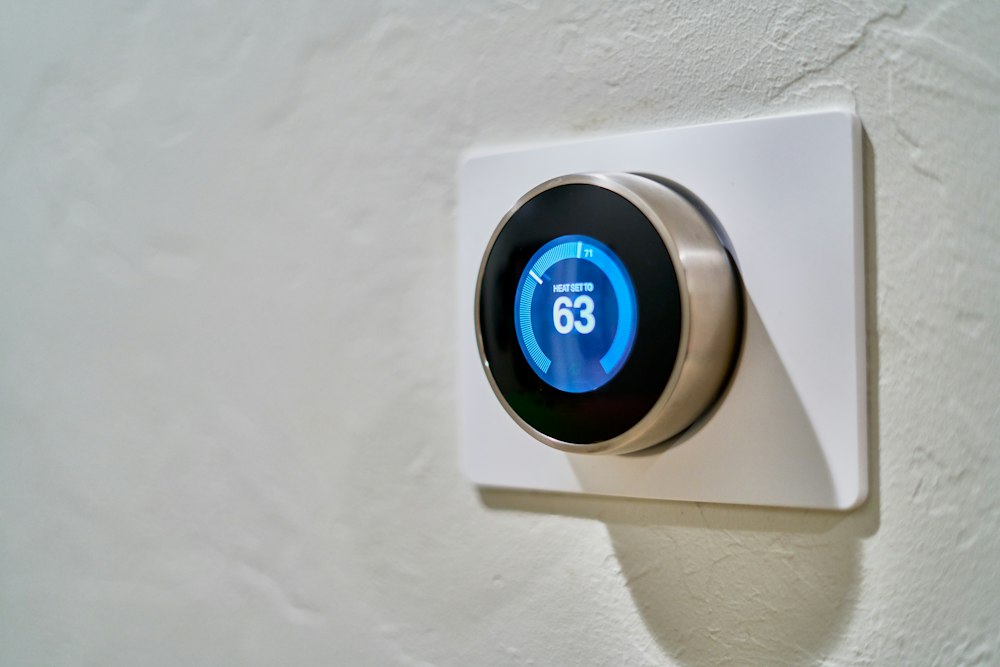
Modern Wi-Fi smart thermostats—such as Ecobee, Google Nest, and Honeywell Home—feature backlit color touchscreens, radios, and scheduling processors. Unlike primitive battery-powered mechanical mercury dials, smart thermostats require a continuous 24-volt AC electrical power loop supplied by a dedicated Common wire (the “C-wire”).
Electrical Hazard & Fuse Protection
Always turn off the HVAC circuit breaker at the main electrical service panel before removing your thermostat faceplate. Touching the red (24V Hot) wire to the blue or green chassis ground will blow the 3-amp or 5-amp purple blade fuse on your furnace control board instantly.
1. Decoding Standard Thermostat Wire Codes
While wire insulation colors usually follow conventions, never assume colors are correct without verifying the terminal letter codes:
- R (or Rc/Rh): 24VAC Power input from furnace transformer.
- W (or W1): Heating relay call.
- Y (or Y1): Air conditioning compressor cooling call.
- G: Indoor blower fan relay.
- C: 24VAC Common ground return wire (powers smart thermostat electronics).
2. What to Do If You Have No C-Wire
If pulling your old thermostat wall plate reveals only four wires (R, W, Y, G), you have three proven DIY solutions:
- The Hidden Spare Wire: Gently pull the thermostat wire bundle 2 to 3 inches out of the drywall. Builders often use 5-conductor or 8-conductor cable and wrap unused blue or brown wires around the outer jacket. Strip this wire and connect it to the C terminal on both the thermostat and furnace board.
- The Power Extender Kit (Add-A-Wire): Most Ecobee and Honeywell units include a small module that installs inside your furnace compartment. It multiplexes the G (fan) wire to carry both power and fan signals without running new cable through finished walls.
- 24V Plug-in Wall Transformer: For homes without furnace access, a small 24VAC wall adapter plugs into a nearby outlet with two thin wires running to the thermostat C and Rc terminals.
3. Final Verification and System Testing
Once wired, push the smart thermostat base onto its backplate, restore furnace power, and observe the startup diagnostic screen:
- Test Heat mode: Verify furnace burners ignite and blower starts within 60 seconds.
- Test Cool mode: Verify outside AC condenser fan and compressor engage.
- Verify Wi-Fi network connection and enable geo-fencing to automatically lower temperatures when leaving home.